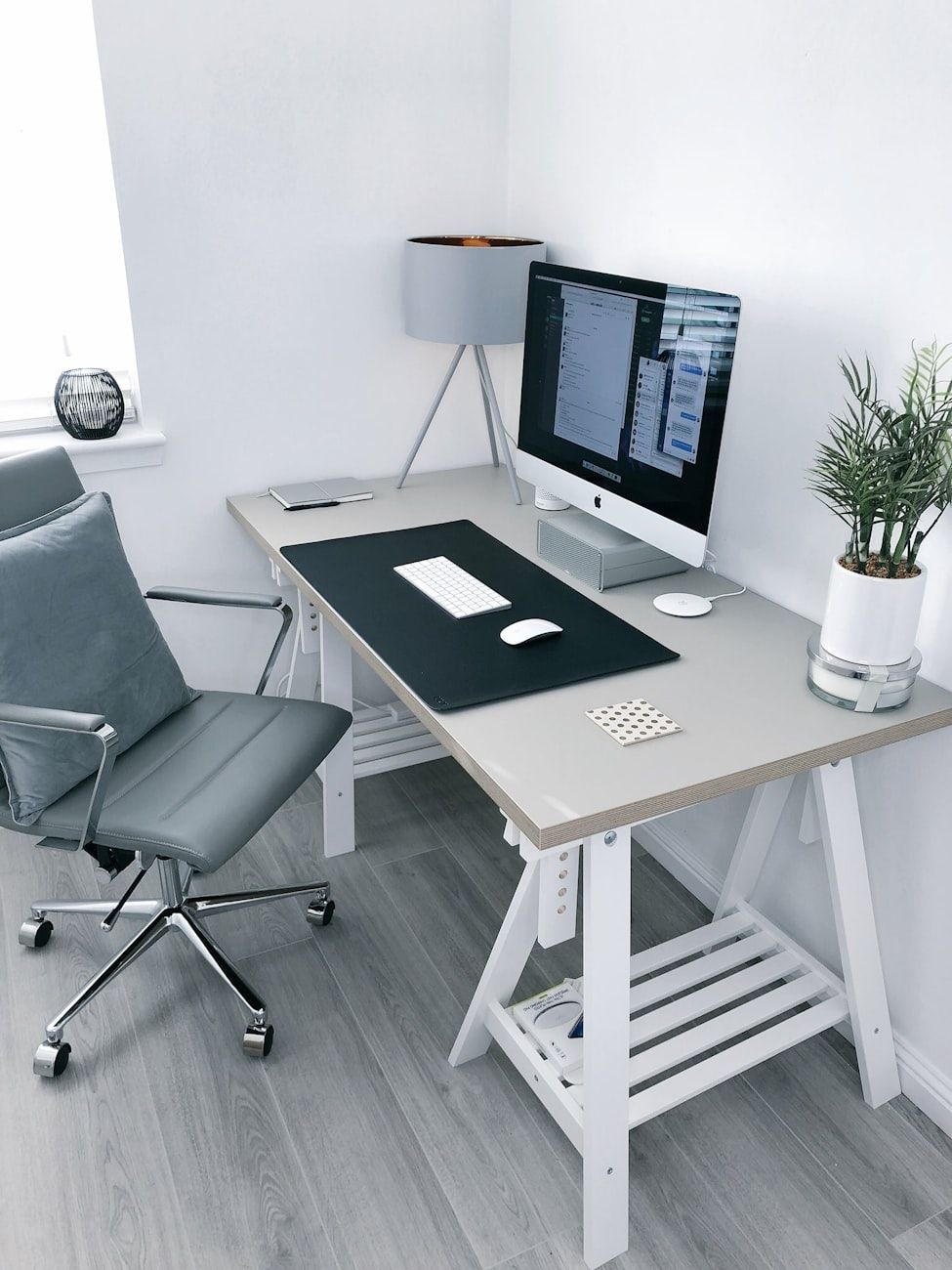
Upgrade Your Workspace: Modern Solutions for a More Comfortable PC Experience
Computer & accessoriesAre you looking to upgrade your workspace and create a more comfortable PC experience? In today's fast-paced world, where many of us spend countless hours in front of a computer, having an ergonomic and efficient workspace is key to boosting productivity and preventing physical discomfort. Here are some modern solutions and ideas to help you transform your workspace into a more comfortable and productive environment.

1. Ergonomic Workspace Setup
One of the first steps in creating a comfortable PC experience is to ensure that your workspace is ergonomic. This includes having an adjustable chair that provides proper support for your back, as well as positioning your monitor at eye level to reduce neck strain. Consider investing in a standing desk converter to alternate between sitting and standing throughout the day, promoting better posture and overall health.
2. Ergonomic Desk Accessories
Upgrade your desk with ergonomic accessories that can make a big difference in your comfort level. A monitor stand with adjustable height and tilt can help you position your screen to reduce glare and eye strain. Invest in a quality ergonomic keyboard and mouse that promote a more natural hand position and reduce the risk of repetitive strain injuries. You can also add a wrist rest for additional support and comfort during long typing sessions.
3. Modern PC Setup
Embrace modern technology to enhance your PC experience. Consider upgrading to a larger monitor with higher resolution for better visibility and increased productivity. Invest in a docking station to easily connect all your devices and accessories to your laptop with a single cable. Upgrade your computer's processing power and memory to ensure smooth performance, especially when multitasking or running resource-intensive applications.
4. PC Productivity Tools
Maximize your productivity with the right tools and software. Use project management apps to keep track of tasks and deadlines, and communication tools to collaborate with colleagues efficiently. Consider investing in a noise-canceling headset for clear audio during virtual meetings, and a wireless charger for your devices to keep them powered up throughout the day.
5. Office Workspace Ideas
Get creative with your office setup to make it a more inspiring and inviting space. Add some greenery with plants to improve air quality and boost mood. Personalize your workspace with photos, artwork, or motivational quotes that resonate with you. Utilize storage solutions such as cable organizers and desk trays to keep your workspace tidy and free of clutter.
By upgrading your workspace with ergonomic furniture, modern technology, and productivity tools, you can create a more comfortable and efficient PC experience. Whether you're working from home or in a traditional office setting, investing in your workspace can have long-lasting benefits for your health and productivity. Try implementing some of these ideas today and see the difference it can make in your daily work routine.
Relevant posts
Computer & accessories
240Hz Monitor for Everyday Use: Is the Difference Noticeable Beyond Gaming?
Are you considering upgrading to a 240Hz monitor for everyday use? While high refresh rate displays are often associated with gaming, the smooth scrolling and motion clarity offered by a 240Hz monitor can significantly enhance your desktop experience beyond just gaming. Let's explore whether the difference between a 240Hz monitor and lower refresh rate options like 144Hz is noticeable in everyday tasks and office productivity. 240Hz Monitor for Everyday Use Traditionally, hig...
Computer & accessories
Mechanical vs. Membrane Keyboard: Which Is Better for Work and Gaming?
When it comes to choosing the right keyboard for work or gaming, the decision often comes down to whether to go with a mechanical keyboard or a membrane keyboard. Both types of keyboards have their own set of pros and cons, and understanding the differences between the two can help you make an informed decision based on your specific needs. Let's take a closer look at the mechanical vs. membrane keyboard debate to see which option is better suited for work and gaming. Mechanical Keyboard:...
Computer & accessories
How Useful Is the Built-In AI Button on Modern Laptops and Keyboards?
Modern laptops and keyboards are constantly evolving to keep up with the demands of the digital age. One of the latest innovations that have caught the attention of tech enthusiasts is the built-in AI button, also known as the Copilot key. These AI-powered computers are equipped with advanced AI features that promise to enhance user productivity and overall user experience.With the rise of AI technology, it comes as no surprise that manufacturers are incorporating AI capabilities directly into l...
Computer & accessories
Laptop Sleeve: How to Choose Reliable Protection
In today's digital age, laptops have become an essential part of our daily lives. Whether you are a student, a working professional or simply someone who enjoys browsing the web, protecting your laptop is crucial. One of the best ways to shield your device from scratches, dust, and other potential damages is by investing in a reliable laptop sleeve.A laptop sleeve, also known as a laptop case or notebook sleeve, is a protective covering designed to safeguard your laptop from external elements. T...