240Hz Monitor for Everyday Use: Is the Difference Noticeable Beyond Gaming?
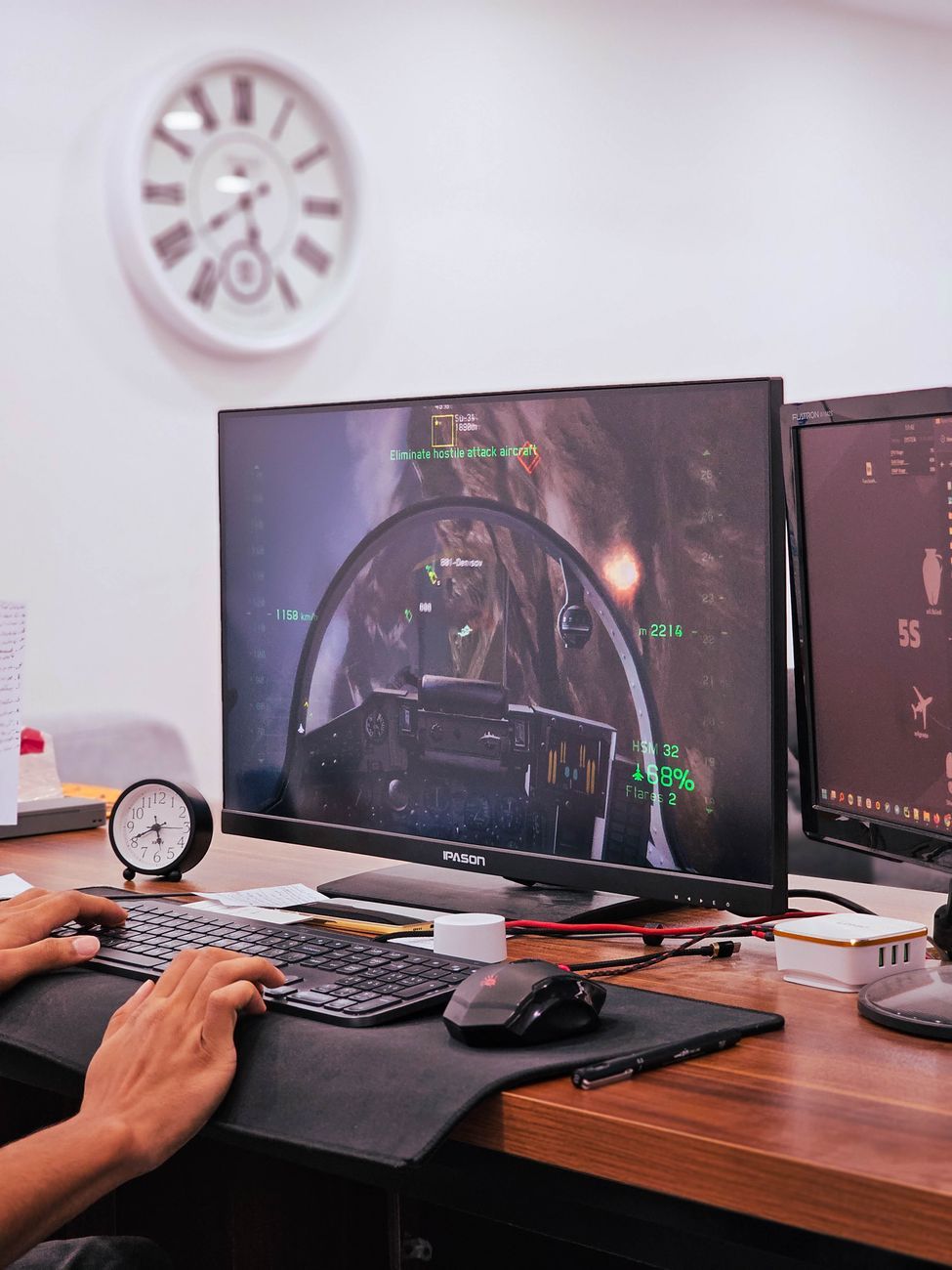
Computer & accessoriesAre you considering upgrading to a 240Hz monitor for everyday use? While high refresh rate displays are often associated with gaming, the smooth scrolling and motion clarity offered by a 240Hz monitor can significantly enhance your desktop experience beyond just gaming. Let's explore whether the difference between a 240Hz monitor and lower refresh rate options like 144Hz is noticeable in everyday tasks and office productivity.

240Hz Monitor for Everyday Use
Traditionally, high refresh rate displays have been marketed towards gamers seeking a competitive edge with fluid motion and reduced input lag. However, the benefits of a 240Hz monitor extend beyond gaming into daily computer usage.
Smooth Scrolling and Motion Clarity
One of the most striking differences when using a 240Hz monitor is the smoothness of scrolling and movement on the screen. Whether you are browsing the web, scrolling through documents, or editing spreadsheets, the higher refresh rate provides a level of fluidity that is immediately noticeable.
240Hz vs 144Hz: Is the Upgrade Worth It?
While 144Hz monitors already offer a significant improvement over standard 60Hz displays, the jump to 240Hz introduces even greater motion clarity and responsiveness. The difference may be subtle in everyday tasks, but users who are sensitive to motion may appreciate the smoother experience offered by a 240Hz monitor.
Office Productivity and Desktop Experience
For professionals who spend long hours working at their computers, a high refresh rate display can contribute to a more comfortable and productive workflow. The improved motion handling can reduce eye strain and make tasks like reading, writing, and editing more pleasant.
Conclusion
While a 240Hz monitor may seem like overkill for everyday use, the upgrade can provide a noticeable enhancement to your desktop experience, particularly if you value smooth scrolling and motion clarity. Whether you are a gamer looking for a competitive edge or a productivity-focused user seeking a more comfortable workspace, a high refresh rate display like a 240Hz monitor can make a difference in your daily computing tasks.
Relevant posts
Computer & accessories
How to check which RAM your computer can take before upgrading
Two memory modules that look almost identical in a product photo can differ in ways that determine whether they fit, boot or run at their rated speed. Before you buy, you need a few facts about your own machine: the memory generation, the module size, how many slots are free and the maximum amount of memory the system supports. An online RAM compatibility checker can suggest modules based on your device model, but you can find all the data you need yourself. Start with the question that ends man...
Computer & accessories
Mechanical Keyboards with Magnetic Switches: A New Era of Computer Accessories?
In the world of computer accessories, mechanical keyboards have always been synonymous with durability, performance, and customisation. They are the go-to choice for many gamers and typing enthusiasts who seek a tactile and responsive typing experience. However, in recent years, a new player has entered the scene - mechanical keyboards with magnetic switches. These keyboards utilise Hall Effect technology to create a unique typing experience that is unlike anything seen before. By combining the...
Computer & accessories
240Hz Monitor for Everyday Use: Is the Difference Noticeable Beyond Gaming?
Are you considering upgrading to a 240Hz monitor for everyday use? While high refresh rate displays are often associated with gaming, the smooth scrolling and motion clarity offered by a 240Hz monitor can significantly enhance your desktop experience beyond just gaming. Let's explore whether the difference between a 240Hz monitor and lower refresh rate options like 144Hz is noticeable in everyday tasks and office productivity. 240Hz Monitor for Everyday Use Traditionally, hig...
Computer & accessories
Mechanical vs. Membrane Keyboard: Which Is Better for Work and Gaming?
When it comes to choosing the right keyboard for work or gaming, the decision often comes down to whether to go with a mechanical keyboard or a membrane keyboard. Both types of keyboards have their own set of pros and cons, and understanding the differences between the two can help you make an informed decision based on your specific needs. Let's take a closer look at the mechanical vs. membrane keyboard debate to see which option is better suited for work and gaming. Mechanical Keyboard:...