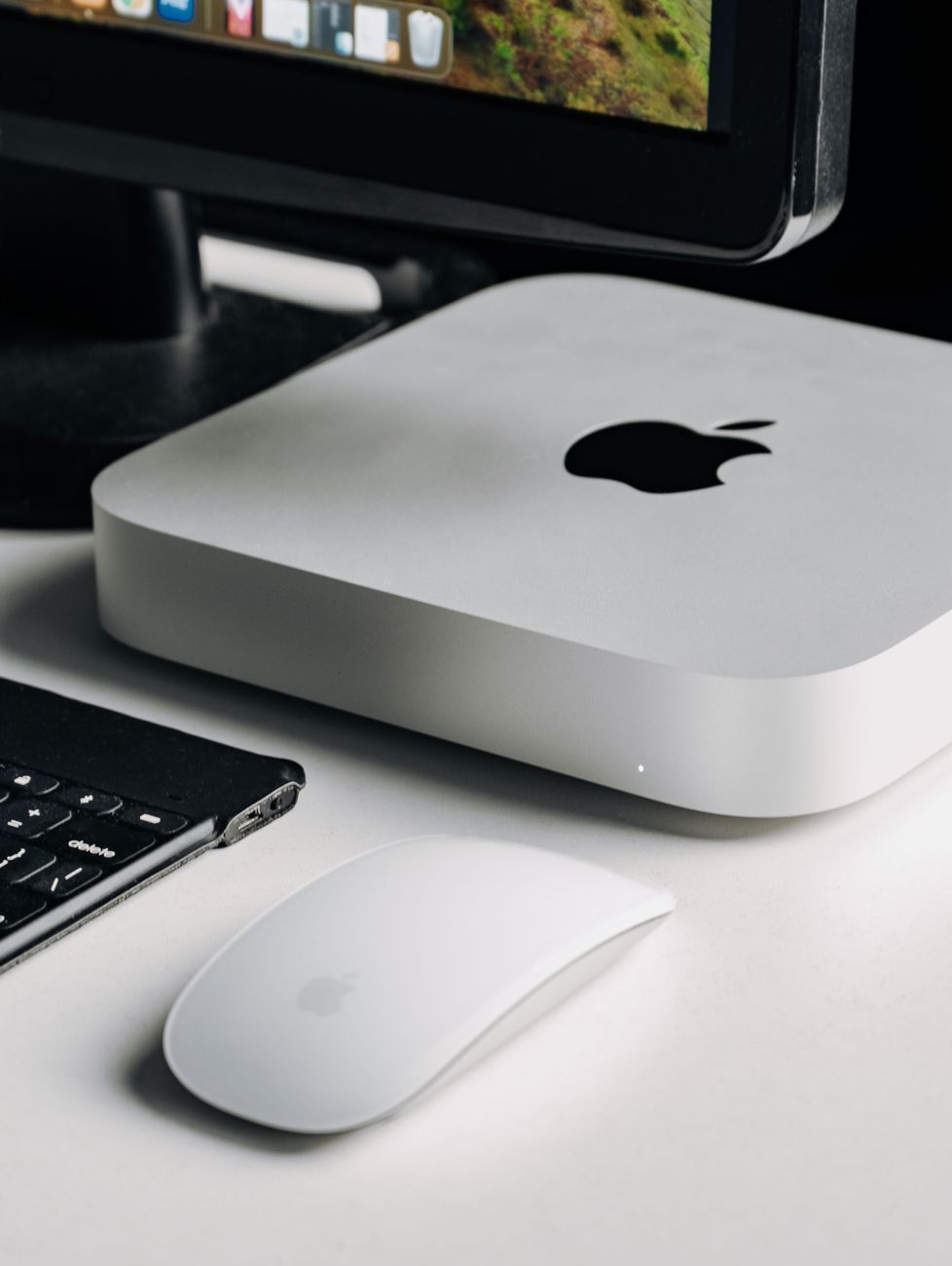
Mini PC vs. Laptop: Which Is the Better Choice for a Home Office in 2026?
Computer & accessoriesWelcome to the era of the home office revolution in 2026, where productivity and efficiency are paramount. As technology continues to advance, the options for creating a compact yet powerful office setup have expanded, with the two main contenders being mini PCs and laptops. In this article, we will explore the pros and cons of each to help you determine which is the better choice for your home office needs.

Mini PC vs. Laptop: Performance and Functionality
When it comes to performance, mini PCs are often seen as desktop replacements due to their ability to handle demanding tasks with ease. With powerful processors and ample storage options, mini PCs are great for multitasking and running resource-intensive applications. On the other hand, laptops are more versatile in terms of mobility, allowing you to work from different locations without being tied down to a desk.
Mini PC for Work: Pros and Cons
Mini PCs are excellent choices for home offices that require high processing power and storage capacity. These compact devices are energy efficient and can be easily customized to suit specific work needs. However, mini PCs lack the portability that laptops offer, making them less suitable for remote work or on-the-go productivity.
Laptop for Remote Work: Pros and Cons
Laptops are the go-to choice for remote work due to their portability and built-in display, keyboard, and trackpad. They are perfect for professionals who need to work from various locations or prefer a more flexible workspace. However, laptops may have limitations in terms of processing power and upgrade options compared to mini PCs.
Choosing the Best Work Computer in 2026
When deciding between a mini PC and a laptop for your home office in 2026, consider your specific needs and work requirements. If you prioritize performance, customization, and energy efficiency, a mini PC may be the better choice for you. On the other hand, if you need mobility and flexibility for remote work, a laptop could be the ideal option.
Final Verdict: Finding the Ideal Home Office Technology
Ultimately, the choice between a mini PC and a laptop comes down to your individual preferences and work habits. Both devices have their own strengths and weaknesses, so it's essential to weigh the pros and cons to determine which best fits your home office setup in 2026. Whether you opt for a mini PC or a laptop, investing in a productivity device that enhances your workflow and efficiency is key to creating a successful work environment.
Upgrade your home office technology and embrace the future of remote work with a mini PC or a laptop that caters to your unique needs. Stay ahead of the curve and make the most of the latest advancements in compact and energy efficient computers for the best work computer experience in 2026.
Relevant posts
Computer & accessories
240Hz Monitor for Everyday Use: Is the Difference Noticeable Beyond Gaming?
Are you considering upgrading to a 240Hz monitor for everyday use? While high refresh rate displays are often associated with gaming, the smooth scrolling and motion clarity offered by a 240Hz monitor can significantly enhance your desktop experience beyond just gaming. Let's explore whether the difference between a 240Hz monitor and lower refresh rate options like 144Hz is noticeable in everyday tasks and office productivity. 240Hz Monitor for Everyday Use Traditionally, hig...
Computer & accessories
Mechanical vs. Membrane Keyboard: Which Is Better for Work and Gaming?
When it comes to choosing the right keyboard for work or gaming, the decision often comes down to whether to go with a mechanical keyboard or a membrane keyboard. Both types of keyboards have their own set of pros and cons, and understanding the differences between the two can help you make an informed decision based on your specific needs. Let's take a closer look at the mechanical vs. membrane keyboard debate to see which option is better suited for work and gaming. Mechanical Keyboard:...
Computer & accessories
How Useful Is the Built-In AI Button on Modern Laptops and Keyboards?
Modern laptops and keyboards are constantly evolving to keep up with the demands of the digital age. One of the latest innovations that have caught the attention of tech enthusiasts is the built-in AI button, also known as the Copilot key. These AI-powered computers are equipped with advanced AI features that promise to enhance user productivity and overall user experience.With the rise of AI technology, it comes as no surprise that manufacturers are incorporating AI capabilities directly into l...
Computer & accessories
Laptop Sleeve: How to Choose Reliable Protection
In today's digital age, laptops have become an essential part of our daily lives. Whether you are a student, a working professional or simply someone who enjoys browsing the web, protecting your laptop is crucial. One of the best ways to shield your device from scratches, dust, and other potential damages is by investing in a reliable laptop sleeve.A laptop sleeve, also known as a laptop case or notebook sleeve, is a protective covering designed to safeguard your laptop from external elements. T...