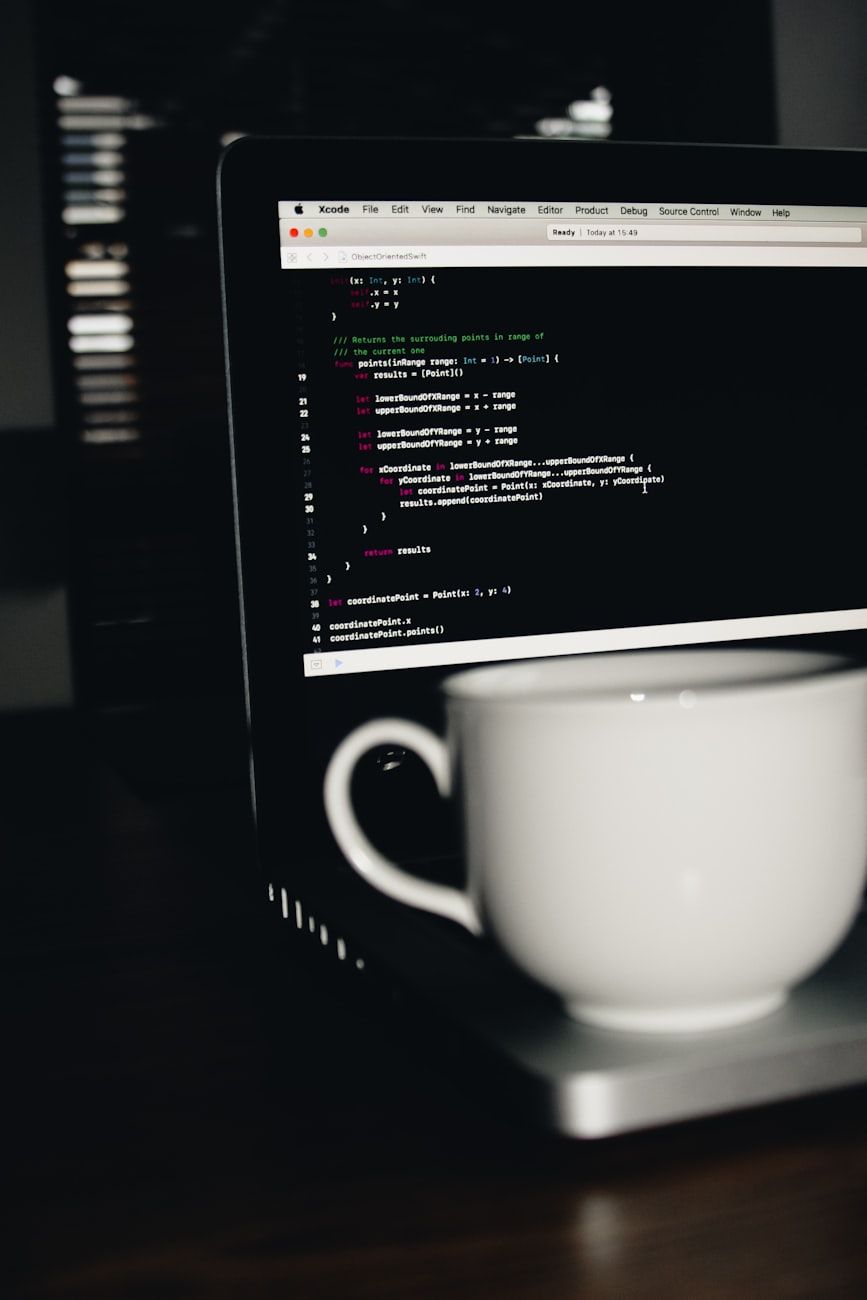
Why Software Updates Matter: The Real Risks of Using Outdated Versions
SoftwareIn the rapidly evolving digital landscape, software updates have emerged as a critical component of maintaining digital safety and security. Yet, many individuals and organizations overlook the importance of updating software, unwittingly exposing themselves to a myriad of risks associated with using outdated versions. In this article, we delve into the real dangers of neglecting software updates and why staying current is imperative in safeguarding against cybersecurity threats.

The Risks of Outdated Software
One of the primary risks of running outdated software pertains to cybersecurity vulnerabilities. Hackers are continuously devising new ways to exploit weaknesses in software systems, and outdated software presents an easy target. Without the latest security patches and bug fixes provided through software updates, users are left exposed to potential attacks that can compromise sensitive data and systems.
Furthermore, using outdated software leaves users susceptible to malware infections. Malware, including viruses, ransomware, and spyware, can infiltrate systems through security gaps in older software versions. Once infected, users risk data breaches, financial loss, and even complete system shutdown.
System Performance and Compatibility
Besides posing security risks, outdated software can also impact system performance and overall user experience. Running older versions may result in sluggish performance, frequent crashes, and compatibility issues with newer applications and hardware.
Software updates often include performance enhancements and optimizations that can improve the speed and efficiency of programs. Failing to update software means missing out on these benefits and potentially hindering productivity and workflow efficiency.
The Importance of Software Patches and Updates
Software patches, released through updates, play a crucial role in addressing security vulnerabilities and fixing software bugs. These patches are vital in fortifying systems against emerging threats and ensuring that software functions as intended.
Operating system updates, in particular, provide users with the latest features, security enhancements, and bug fixes that are essential for maintaining a secure and efficient computing environment. By regularly updating operating systems and software applications, individuals and organizations can stay ahead of potential risks and protect their digital assets.
Enhancing Digital Safety Through Software Updates
Ultimately, staying vigilant with software updates is key to enhancing digital safety and safeguarding against cybersecurity threats. By prioritizing regular updates, users can significantly reduce the risk of falling victim to malware attacks, data breaches, and other security incidents.
Whether for personal use or within a professional setting, the importance of software updates cannot be overstated. As technology continues to advance, relying on outdated software becomes increasingly perilous. Embracing a proactive approach to software maintenance is not only prudent but essential in today's interconnected digital world.
Remember, when it comes to software updates, staying current is the first line of defense in preserving the security and integrity of your digital assets.
Relevant posts
Software
Portable Apps: Why Can More and More Programs Run Without Installation?
Many computer programs once required a lengthy setup process before they could be used. Today, a growing number of tools work as portable apps: download a package, open it, and get started. These programs without installation are popular with people who use shared computers, switch between devices, or simply want to try software without changing their system. Why installation is no longer essential Traditional installers place files in several locations, create shortcuts, register components, an...
Software
Software You Should Install First on a New Computer
When setting up a new computer, installing essential software is crucial to optimise your productivity and protect your device. Whether you use a PC for work, school, or personal use, having the right programs installed can make a significant difference in your computing experience. In this article, we will explore the must-have programs for your new computer setup.1. Antivirus Software:One of the first programs you should install on your new computer is antivirus software. Protecting your devic...
Software
Remote Computer Access: How to Control Your PC from Anywhere in the World
The ability to remotely access your computer offers great convenience and flexibility, enabling you to control your PC from anywhere in the world. Whether you need to retrieve important files, manage software applications, or troubleshoot technical issues, remote computer access provides a secure and efficient way to interact with your desktop or laptop remotely.Remote computer access, also known as remote desktop or PC remote control, allows you to access your computer from a different location...
Software
Software for Automatically Renaming Files: Organise Thousands of Documents in Minutes
File organisation can be a daunting task, especially when dealing with a large number of documents. Whether you are a student, a professional, or simply someone with a collection of digital files, keeping them organised is essential for efficiency and productivity. Fortunately, with the help of file renaming software, you can streamline this process and organise thousands of documents in minutes.Automatic file renaming software is designed to help you batch rename files effortlessly. By leveragi...