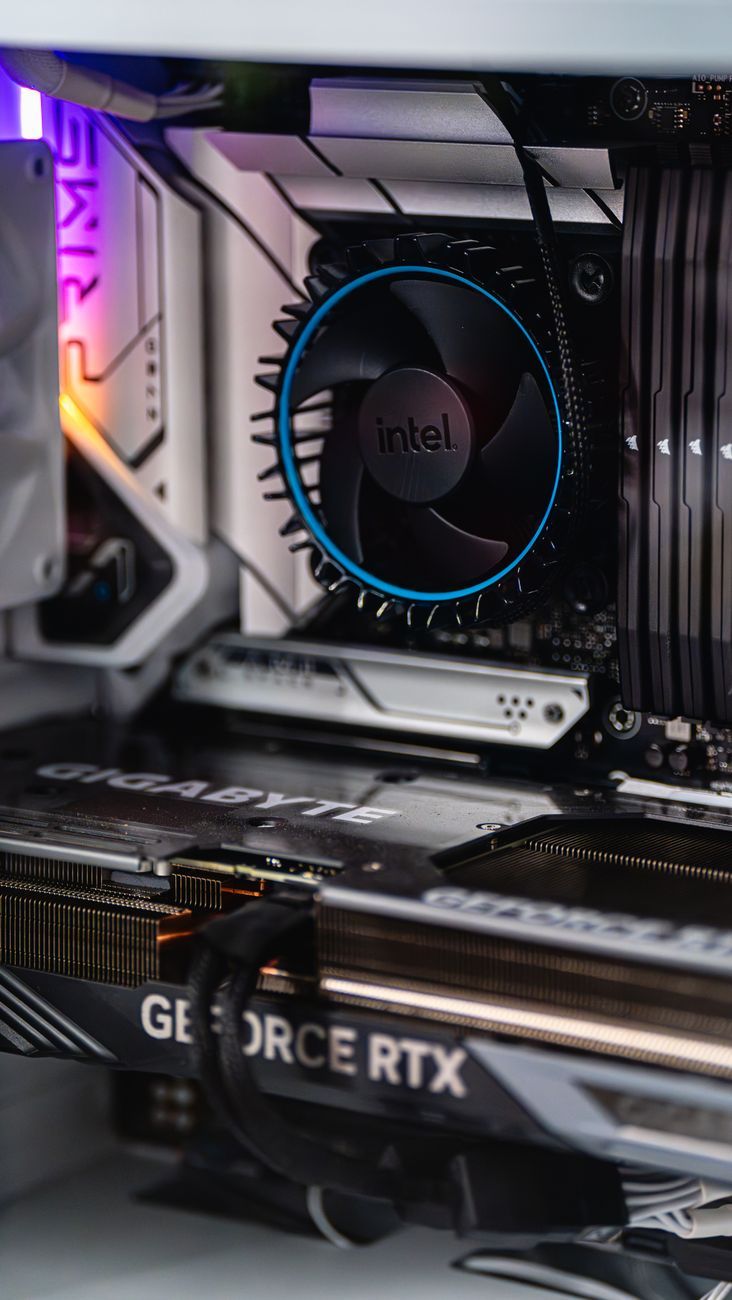
Why a Powerful PC Can Be Slower Than a Weaker One
hardwareHave you ever wondered why a powerful PC sometimes feels slower than a weaker one? The discrepancy between a computer's hardware specifications and its actual performance can be frustrating. In this article, we will explore the various factors that can lead to a powerful PC underperforming and discuss ways to optimize your system for better speed and responsiveness.

One common reason for a slow computer despite having high-end components is CPU bottlenecking. This occurs when the processor is not able to keep up with the demands of the software being run. Even if you have a top-of-the-line CPU, if it is being held back by other components such as insufficient RAM or a slow hard drive, the overall performance of your PC will suffer.
Speaking of RAM, inadequate memory can also lead to sluggish performance. When your system runs out of RAM, it starts using the much slower hard drive as virtual memory, which can significantly slow down your PC. Upgrading your RAM or closing unnecessary programs can help alleviate this bottleneck and improve overall speed.
The choice between using a solid-state drive (SSD) or a traditional hard disk drive (HDD) can also impact your PC's speed. SSDs are much faster than HDDs due to their lack of moving parts, resulting in quicker boot times and faster application loading. If your powerful PC is equipped with an HDD, consider upgrading to an SSD to see a noticeable improvement in speed.
Another factor that can affect the speed of your computer is the number of background processes running. These processes take up valuable system resources and can cause your PC to slow down. By monitoring and closing unnecessary background tasks, you can free up resources for more important applications and improve overall performance.
Thermal throttling is another issue that can cause a powerful PC to slow down. When a CPU or GPU gets too hot, it automatically reduces its clock speed to prevent damage, resulting in decreased performance. Ensuring proper airflow in your PC case and using a high-quality cooling solution can help prevent thermal throttling and keep your system running at peak performance.
Furthermore, optimizing your Windows settings can also lead to a speed boost for your PC. Disabling unnecessary visual effects, managing startup programs, and regularly updating your operating system can all contribute to improved performance. Additionally, running regular maintenance tasks such as disk cleanup and defragmentation can help keep your system running smoothly.
For gamers, having a powerful gaming PC that feels slow can be particularly frustrating. In addition to the factors mentioned above, updating graphics drivers, adjusting in-game settings, and ensuring that your system meets the game's minimum requirements can all help improve gaming performance.
In conclusion, a powerful PC can sometimes be slower than a weaker one due to various factors such as CPU bottlenecking, insufficient RAM, using an HDD instead of an SSD, excessive background processes, thermal throttling, and unoptimized system settings. By addressing these issues and optimizing your PC for speed, you can unleash the full potential of your high-end hardware and enjoy a smoother computing experience.
Relevant posts
hardware
1000W Power Supply: Who Really Needs That Much Power?
Are you building a high-end gaming PC or planning to upgrade your existing system? One crucial component that often sparks debate among PC enthusiasts is the power supply unit (PSU) wattage. When it comes to PSU wattage, one common question that arises is whether investing in a 1000W power supply is necessary for your gaming rig or high-performance system. Let's delve into the details to understand who really needs that much power and whether it's worth the investment.Modern gaming PCs and high-...
hardware
10 GbE Network Cards: Who Really Needs This Kind of Speed at Home in 2026?
In today's rapidly advancing technological landscape, the need for high-speed networking solutions has become more prevalent than ever before. With the rise of gigabit internet connections and the growing demand for seamless connectivity, the idea of upgrading to a 10 GbE network card for your home network may not seem as far-fetched as it once did. But who really needs this kind of speed at home in 2026?First, let's address what a 10 GbE network card actually is. A 10 Gigabit Ethernet (10 GbE)...
hardware
Panoramic Glass PC Cases: Stylish Showcase or Practical Choice?
When it comes to building a custom gaming computer, enthusiasts strive to find the perfect balance between style and functionality. One particular trend that has been gaining popularity in recent years is the use of panoramic glass PC cases. These cases, often featuring toughened glass panels on multiple sides, offer a unique way to showcase your gaming PC build while also raising questions about practicality and performance.The appeal of panoramic glass PC cases lies in their ability to transfo...
hardware
Spam-Free Email: Which Tools Really Work?
Welcome to the world of email, where the constant battle against spam seems never-ending. In today’s digital age, receiving unsolicited emails—often containing malicious links or deceptive content—has become a common nuisance for many users. However, fear not, as there are effective tools available to help you maintain a spam-free inbox and secure your email communications.When it comes to ensuring your email security and protecting yourself from phishing attacks, having a reliable email s...