How to Choose Computer Hardware Without Overspending
hardwareIn today's fast-paced digital world, having a reliable computer is essential for both work and leisure. However, building or upgrading a PC can quickly become overwhelming, especially when trying to stick to a budget. It's easy to get caught up in the latest and greatest computer hardware, but overspending on components you don't need can leave you with a hefty bill and buyer's remorse. To help you navigate the world of computer hardware without breaking the bank, we've put together a guide on how to choose cost-effective components that meet your needs.

1. Determine Your Needs
Before you start shopping for computer hardware, take some time to assess your needs. Are you a casual user who primarily surfs the web, checks emails, and streams videos? Or are you a content creator or gamer who requires more processing power and graphics capabilities? Understanding how you will use your PC will help you prioritize which components are most important and where you can save money.
2. Focus on the Essentials
When building or upgrading a budget PC, it's important to focus on the essentials. The central processing unit (CPU), graphics card, RAM, storage, and motherboard are key components that will impact your computer's performance. Instead of splurging on the latest high-end models, look for affordable options that offer a good balance of price and performance. Consider opting for slightly older or mid-range components that still deliver solid performance without the premium price tag.
3. CPU Selection
The CPU is the brain of your computer and plays a crucial role in determining its overall speed and performance. When selecting a CPU, consider factors such as the number of cores, clock speed, and cache size. For budget-conscious buyers, mid-range processors from reputable brands like AMD and Intel offer a good balance of performance and affordability. Look for CPUs that meet your specific needs without unnecessary frills that drive up the cost.
4. Graphics Card
If you plan to use your computer for gaming or graphic-intensive tasks, investing in a dedicated graphics card is essential. However, you don't necessarily need the most expensive GPU on the market to enjoy smooth gameplay or seamless video editing. Look for mid-range graphics cards that offer a good performance-to-price ratio and are capable of handling your desired tasks without overspending on features you won't fully utilize.
5. RAM Upgrade
Adding more RAM can significantly improve your computer's multitasking capabilities and overall speed. While some applications benefit from having large amounts of RAM, most users will find that 8GB to 16GB of RAM is more than sufficient for everyday tasks. Instead of opting for excessive amounts of RAM, focus on getting a decent capacity from a reputable brand that fits your needs and budget.
6. SSD Storage
Upgrading to a solid-state drive (SSD) can drastically improve your computer's boot times and overall responsiveness compared to traditional hard drives. While SSDs tend to be more expensive per gigabyte, investing in a smaller capacity SSD for your operating system and frequently used applications can provide a noticeable performance boost without breaking the bank. Consider pairing a modest-sized SSD with a larger traditional hard drive for cost-effective storage solutions.
7. Motherboard Tips
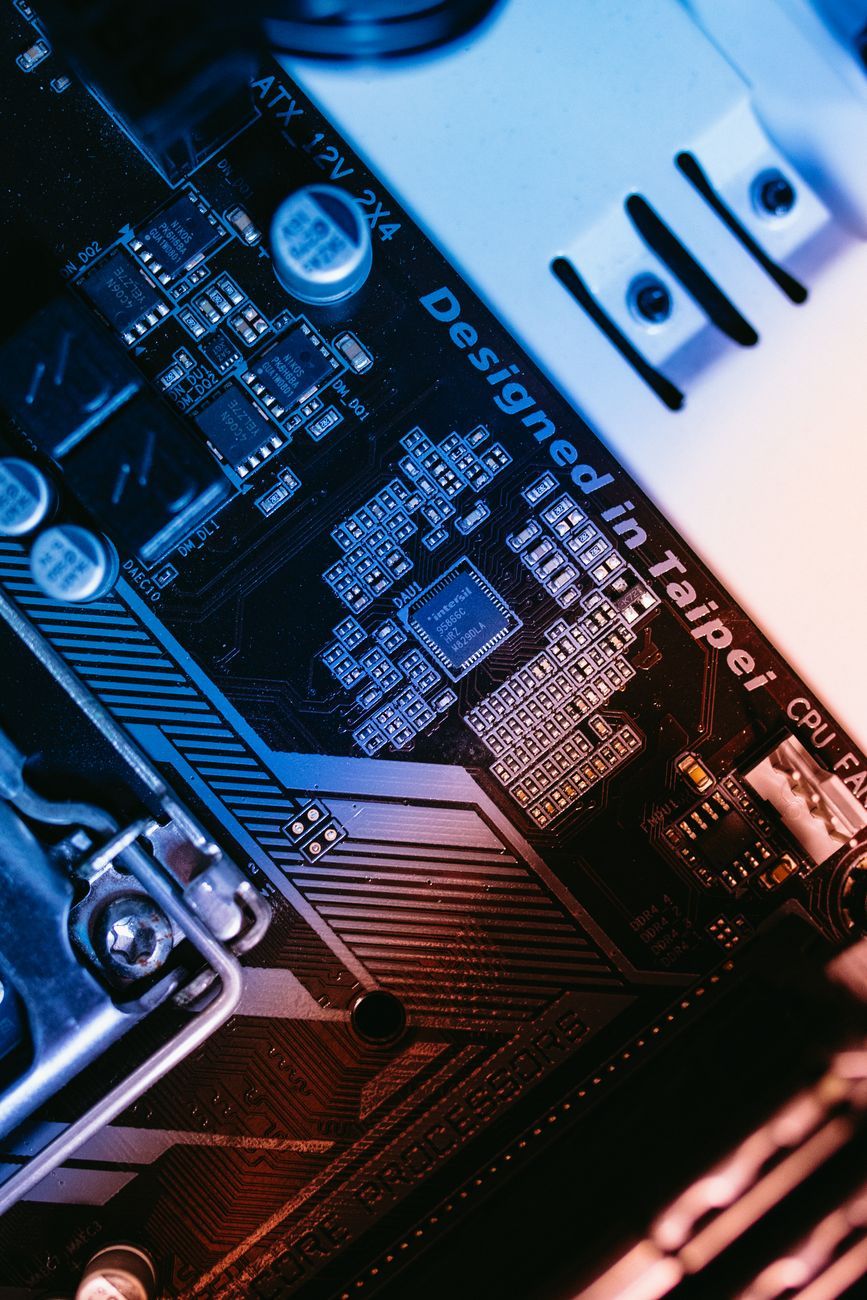
When selecting a motherboard, focus on finding a model that offers the features you need without unnecessary extras that drive up the cost. Consider factors such as compatibility with your chosen CPU, expansion slots for future upgrades, and connectivity options. Opt for reputable motherboard brands known for their reliability and compatibility to ensure a stable foundation for your PC build.
By following these tips and prioritizing cost-effective hardware choices, you can build or upgrade your computer without overspending. Remember to assess your needs, focus on essential components, and prioritize value over unnecessary features. With a bit of research and careful consideration, you can create a budget-friendly PC that meets your requirements and provides reliable performance for years to come.
Happy computing!
Relevant posts
hardware
1000W Power Supply: Who Really Needs That Much Power?
Are you building a high-end gaming PC or planning to upgrade your existing system? One crucial component that often sparks debate among PC enthusiasts is the power supply unit (PSU) wattage. When it comes to PSU wattage, one common question that arises is whether investing in a 1000W power supply is necessary for your gaming rig or high-performance system. Let's delve into the details to understand who really needs that much power and whether it's worth the investment.Modern gaming PCs and high-...
hardware
10 GbE Network Cards: Who Really Needs This Kind of Speed at Home in 2026?
In today's rapidly advancing technological landscape, the need for high-speed networking solutions has become more prevalent than ever before. With the rise of gigabit internet connections and the growing demand for seamless connectivity, the idea of upgrading to a 10 GbE network card for your home network may not seem as far-fetched as it once did. But who really needs this kind of speed at home in 2026?First, let's address what a 10 GbE network card actually is. A 10 Gigabit Ethernet (10 GbE)...
hardware
Panoramic Glass PC Cases: Stylish Showcase or Practical Choice?
When it comes to building a custom gaming computer, enthusiasts strive to find the perfect balance between style and functionality. One particular trend that has been gaining popularity in recent years is the use of panoramic glass PC cases. These cases, often featuring toughened glass panels on multiple sides, offer a unique way to showcase your gaming PC build while also raising questions about practicality and performance.The appeal of panoramic glass PC cases lies in their ability to transfo...
hardware
Spam-Free Email: Which Tools Really Work?
Welcome to the world of email, where the constant battle against spam seems never-ending. In today’s digital age, receiving unsolicited emails—often containing malicious links or deceptive content—has become a common nuisance for many users. However, fear not, as there are effective tools available to help you maintain a spam-free inbox and secure your email communications.When it comes to ensuring your email security and protecting yourself from phishing attacks, having a reliable email s...